Picture This: Images Everywhere
We’re excited to share a batch of long-requested updates. Sudowrite now has full image support in the editor, in chat, and beyond.
Recently we added image support to some new places in Sudowrite: first in your Story Bible with Character Portraits and Worldbuilding Images, then book covers on your homepage. Today we're bringing images into Chat, your manuscript, and a brand-new home of their own.
Chat can now see your images
Now when you drop an image into Chat, it knows what it’s looking at. Share a pic of your childhood bedroom for your memoir, a detailed map of your protagonist’s village, or a stock photo that looks exactly like your romantic lead. Chat can describe it, pick out key details, and use those either to enrich your prose or to create Worldbuilding or Character cards in your Story Bible. Chat can even transcribe your handwritten notes or transform your sketches.
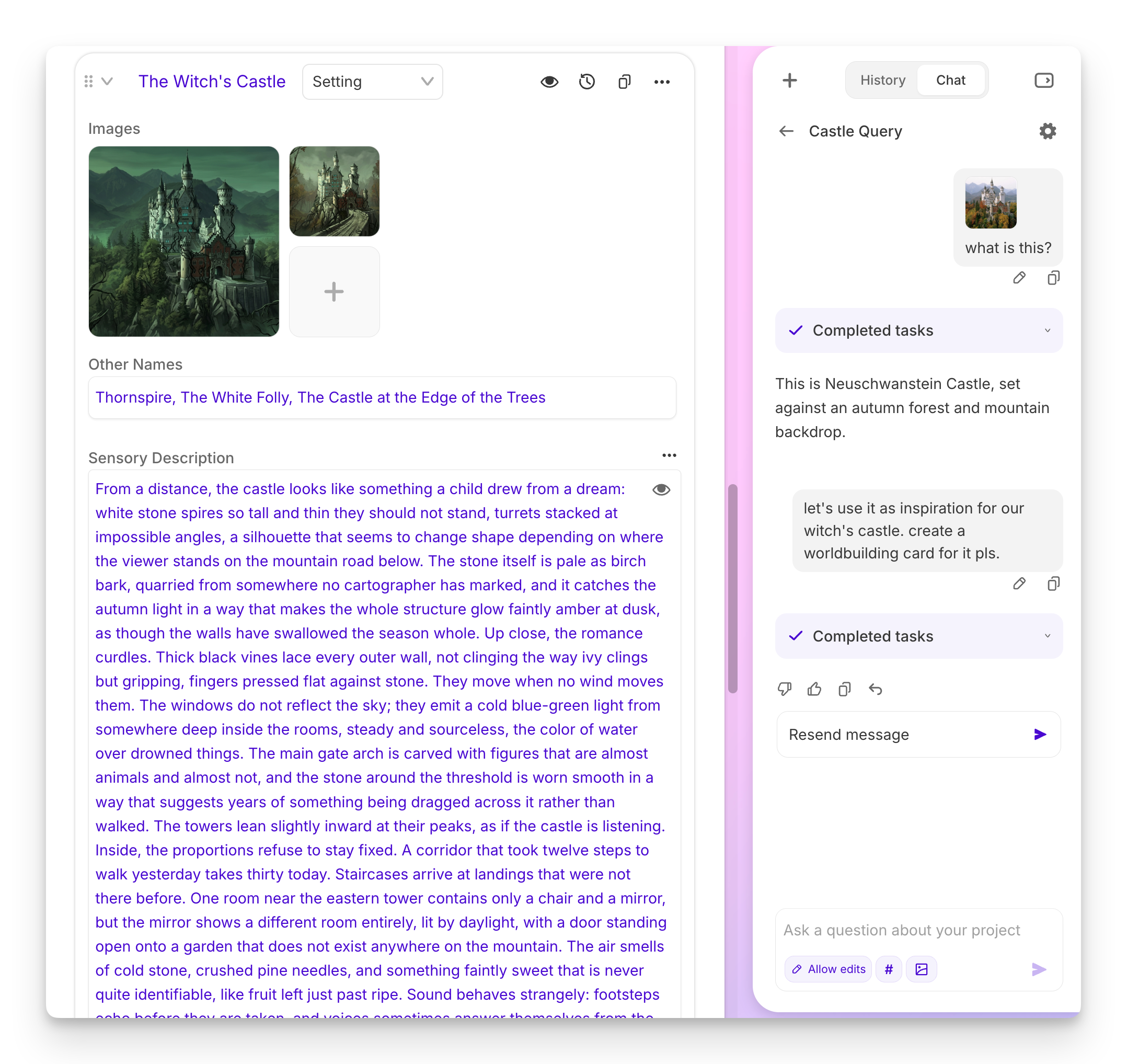
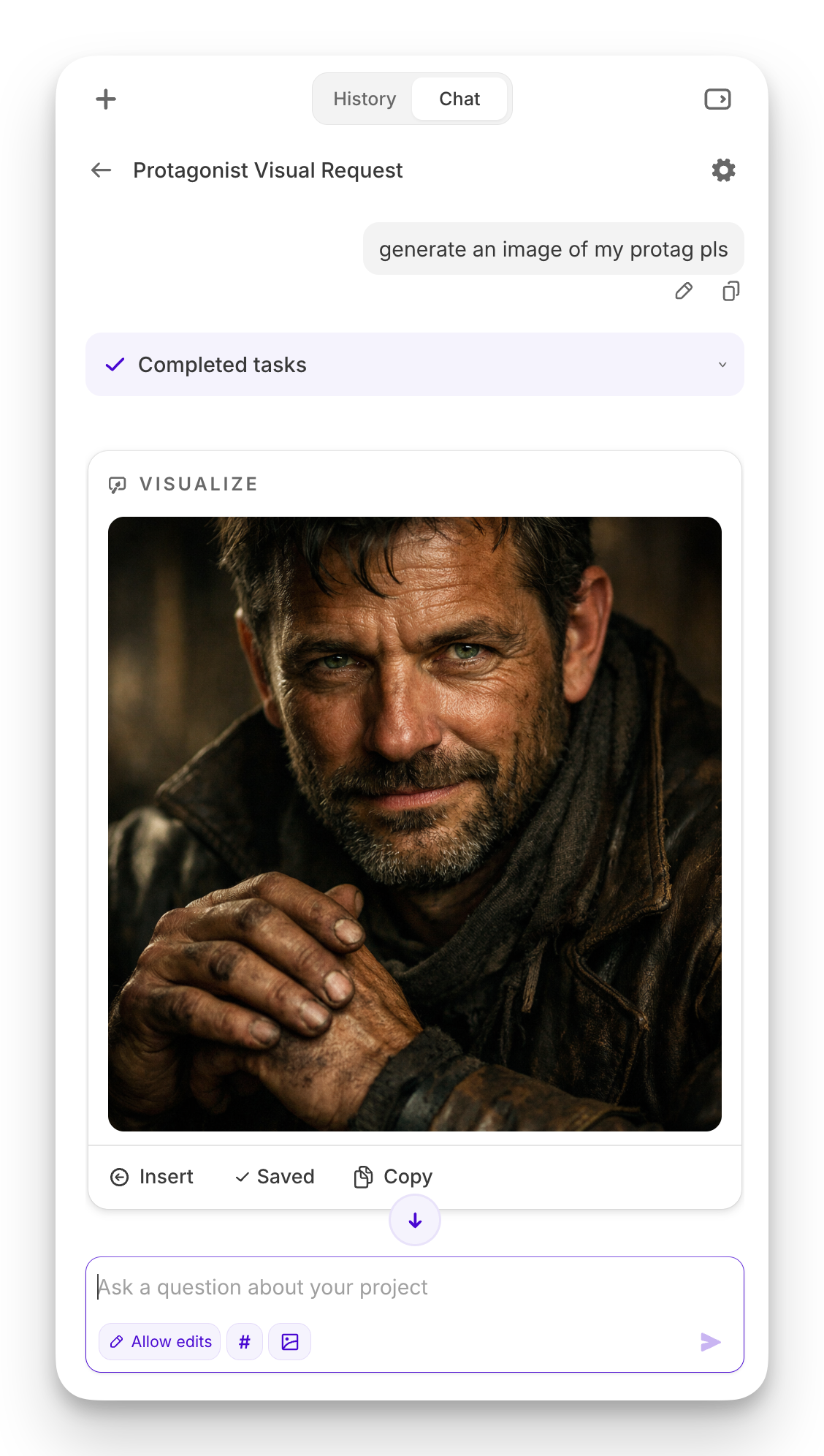
Chat can make images, too
Chat can now use the Visualize tool to generate images. Ask for a portrait of your protagonist or for an illustration of a selected scene, and Chat will create it right in the conversation, no separate tool required.
All your images, in one place
We’ve also added a new Images library in the left sidebar, which you can toggle to from your documents. Your uploads, Character Portraits, Worldbuilding images, and anything Chat creates all live there, so you can find, reuse, and manage all of your images without hunting through cards and chats. You can control whether they’re in a list or thumbnail format, and how big they appear too. (Chat can see your library, so you can also ask it to find or reference an image you've already saved.)
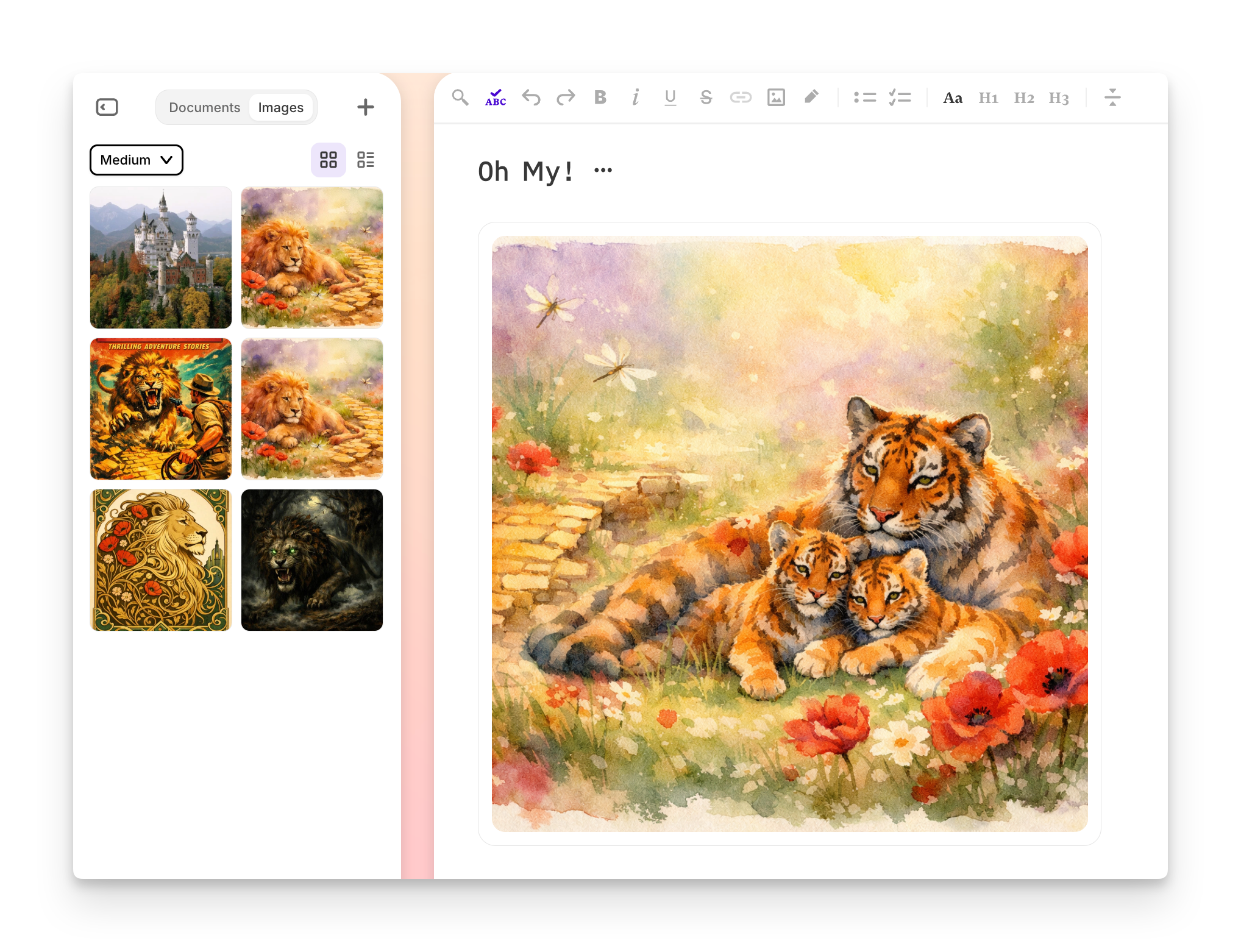
Images in your manuscript
This one has been a long time coming. You can now add your own images directly to your documents in the editor—whether you created those images inside of Sudowrite or not. Just put your cursor where you want one, and click the new image icon in your toolbar to upload.
Image support is available now! Give it a try, and share what you make with us in our Discord community.