Introducing Worldbuilding Images
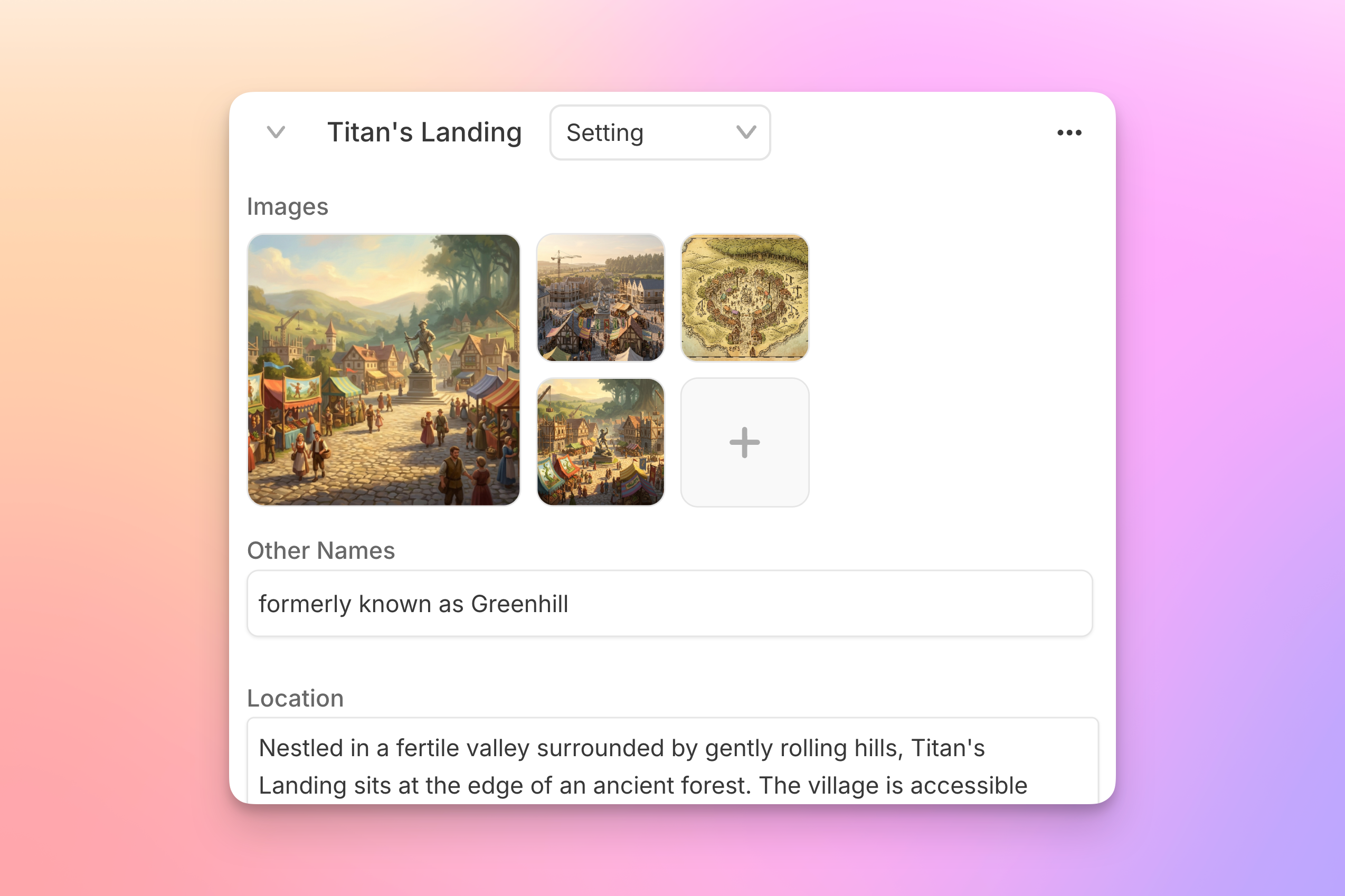
Last week your cast got their close-ups with the introduction of Character Portraits. Now it's time to pull focus on the rest of your story world.
Image support is now available in your Story Bible's Worldbuilding section. The crumbling citadel, the neon-soaked night market, the cursed dagger that also speaks for some reason: you can now generate images straight from your Worldbuilding cards (or upload art you already have), so that every place and thing in your story has a consistent visual reference to match.
One-click generation
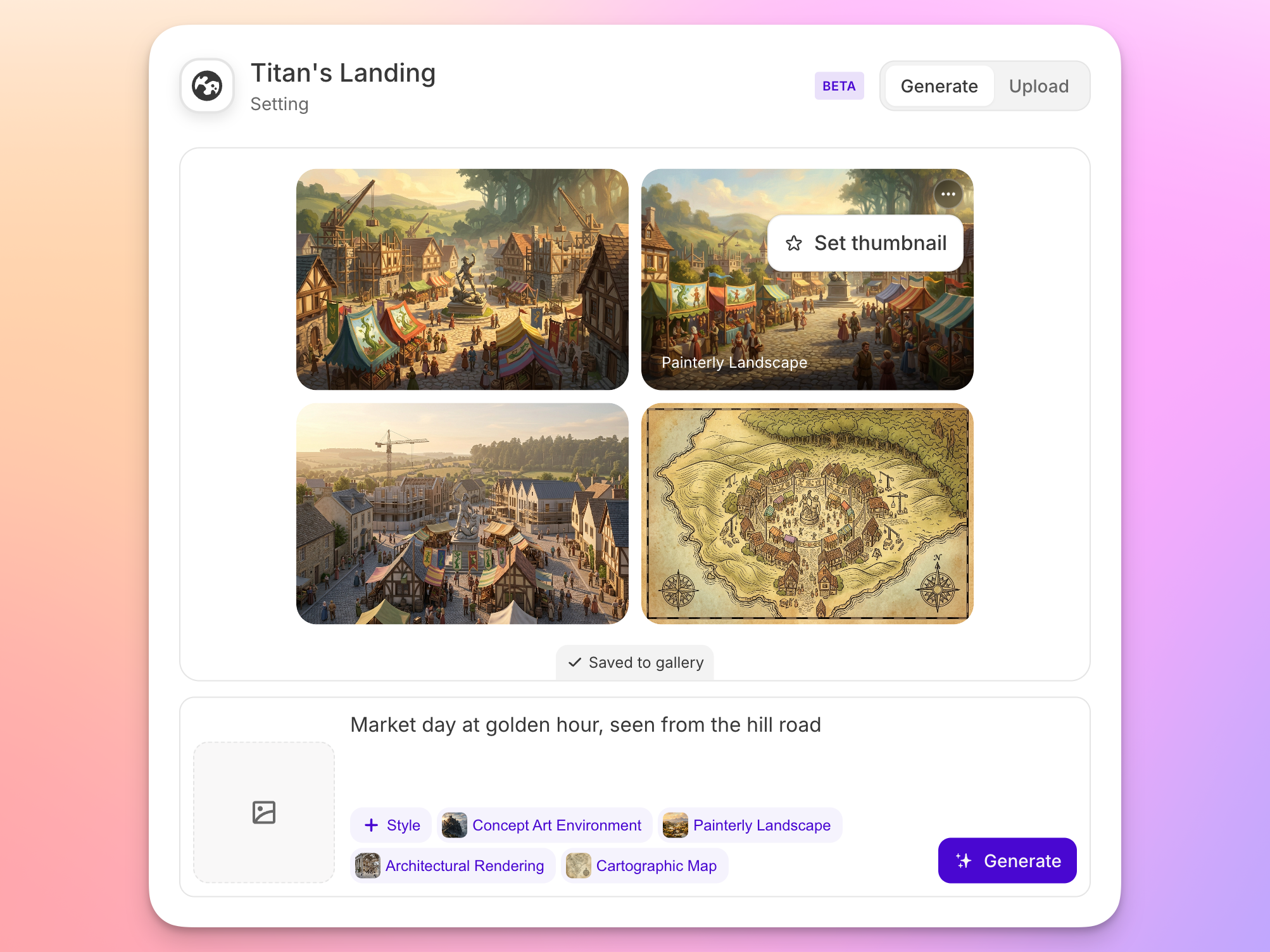
Like Character Portraits, Worldbuilding images can be generated with one click, no prompting required. Just select the thumbnail on any Worldbuilding card, choose a style (or four), and hit Generate. Your cards’ existing trait fields are used as reference. Want more control? Add details about the mood, lighting, angle, or whatever else you have in mind.
Your world, at a glance
Every image is saved to that card's gallery, so you can generate options and compare. Set your favorite as the card's thumbnail, and your Story Bible becomes a visual atlas of your world: something to glance at mid-scene when you need to remember where the dagger’s mouth even is.
Worldbuilding images are available now! We hope you'll share your favorites with us in our Discord community!