Book Art? We've Got You Covered
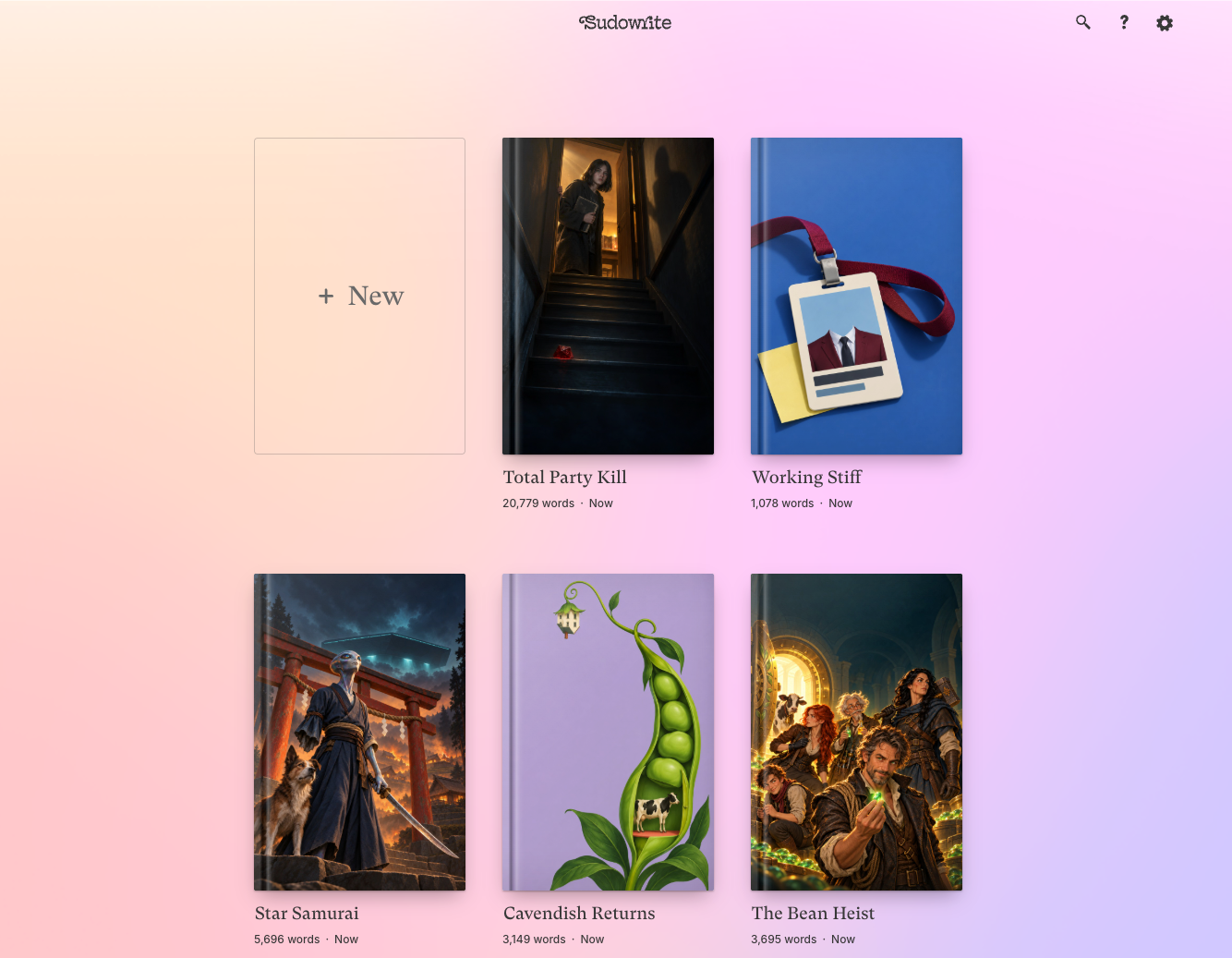
We just gave your Sudowrite homepage a makeover. Your projects now appear as actual books, featuring your very own cover art.
Upload any image as a project’s book cover: your actual cover art, a photo of a vintage store dummy that creeped you out, or just some wallpaper for vibes. You can click the three dots (•••) that appear when hovering on a project to upload art. Your cover art also appears in the top-left whenever you’re working inside a project, so you can click there to add or swap it anytime too.
Shelf Publishing
Folders and series now appear as shelves lined with the books contained within. Click any book’s thumbnail to open that project, or click the shelf itself to open the whole series or folder.
Easier All Around
Project, series, and folder names can now be edited with a single click. Just hover over a name until you see the outline, click, and type.
We also made it way easier to start something new or import your work in progress. Just click the book-sized New button and choose how you’d like to work.
We can’t wait to see how you choose to personalize your workspace! Please share what you come up with in our Discord. (And for those of you who would rather generate cover art than upload from elsewhere… stay tuned!)